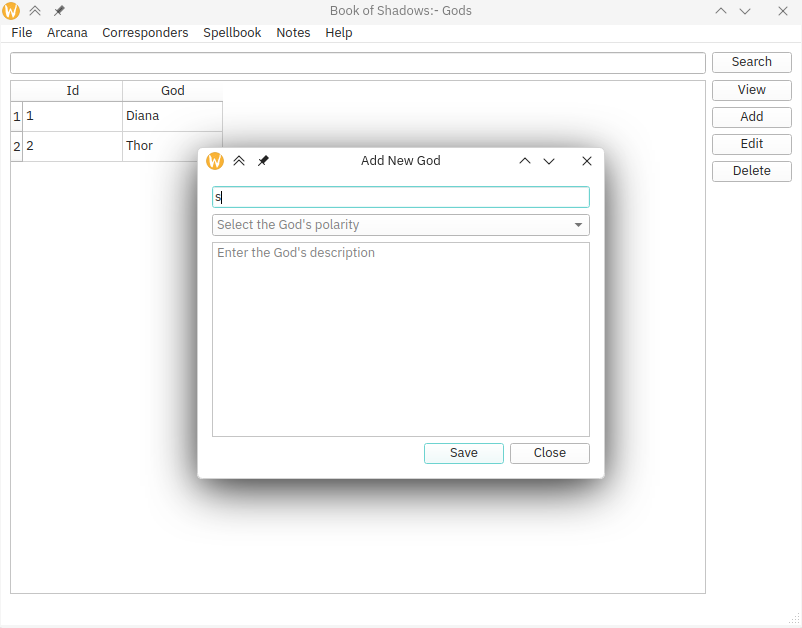
Corresponders
Create and manage corresponders, such as planets, trees, and zodiacs.
- Gods
- Herbs
- Polarites
- More...
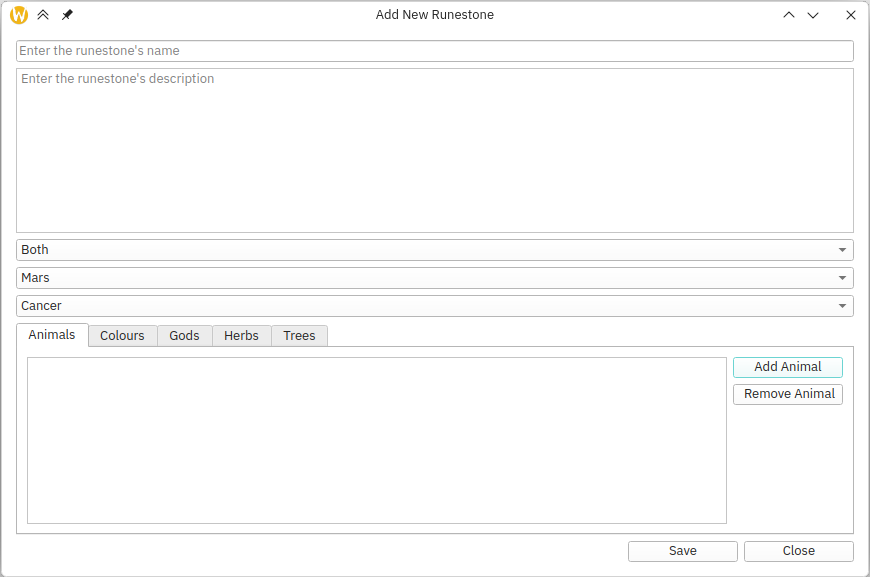
Manage your runes, tarot, crystals and spells in one place using this easy to use software.
Create and manage corresponders, such as planets, trees, and zodiacs.
Create and manage your arcana. Use your corresponders to add lots of detail.
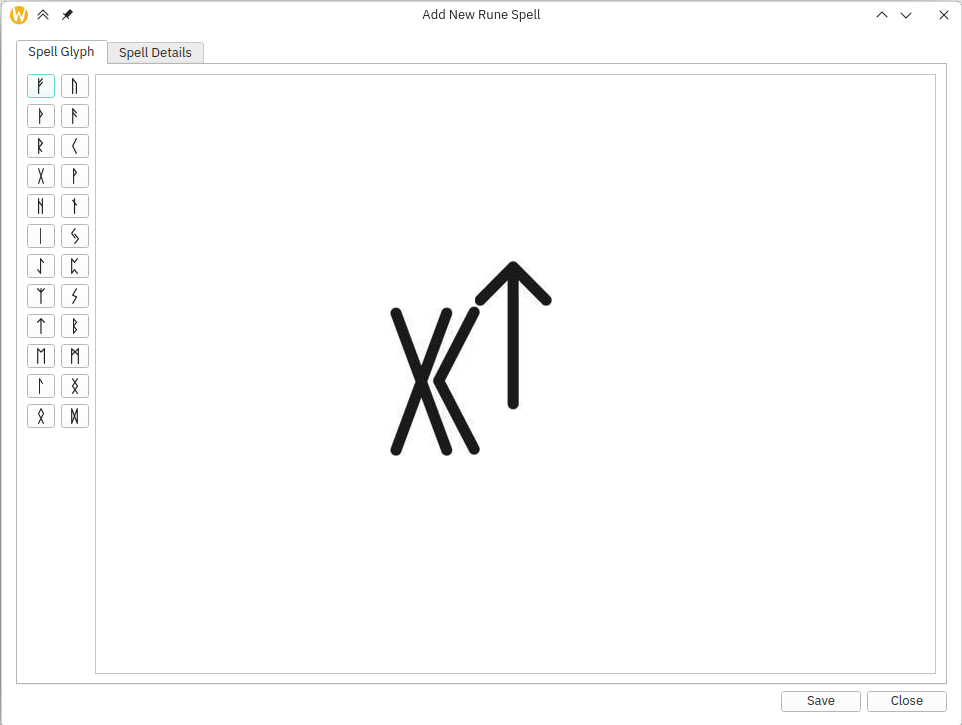
Create and mange your magic runes with the easy to use spell editor.
For those who know, follow these steps:
You will need a C++ compiler (gcc), the cmake build tool, the Qt framework, and optionally git.
Linux users can install the compiler, cmake and git by using the appropriate packages from your package manager. The QT framework can be installed from qt.io. Windows users can install the mingw compiler, cmake, and git.
If you chose to install git, you're basically done, simply follow the quick start steps above
If you didn't install git, go to the repository and click on the down arrow by the code button. Choose Download ZIP to get the latest source code and extract it to a chosen location. Then follow the quick start guide from step number two.